Short answer
A Telegram sales bot connected to the CRM answers buyer questions about products, prices and orders in your company’s Telegram. Raise its level step by step, from consulting to taking orders, cap the quantity and the order total, and choose whether a manager confirms each order. The order becomes a deal only after the buyer agrees.
- Channel: company Telegram bot
- Levels: five, one on top of another
- Order: a deal after the buyer agrees
When does a sales agent in Telegram help?#
A sales agent helps when buyers ask the same questions in Telegram and the answers wait for a rep. It answers within the limits you set and leaves the rest to people, which fits the routine in how to build a sales pipeline that predicts revenue.
- Buyers write in the evening and ask whether an item is in stock, and the answer arrives the next morning.
- Reps spend the day answering the same questions about price and availability.
- A buyer who wants to order has to wait for a rep to build the quote.
- Orders arrive as messages and are retyped into the CRM by hand.
- A manager cannot tell which Telegram orders are new and which are handled.
- Sales agent
- A sales agent is an AI assistant that talks to buyers on behalf of the company in its Telegram, answers from the catalog and the price rules, and hands the chat to a person when it reaches its limits.
- Agent level
- An agent level is the set of things the agent may do, from answering about products to taking an order, where each level includes the ones before it.
How do you set up a sales agent in Telegram in six steps?#
Setting up a sales agent means giving it a channel, a level and limits, and then watching the orders it brings. The steps below turn it on gradually, so the team can see how it speaks before it names prices.
Connect the company Telegram bot
Connect the company’s Telegram bot in the Communications screen first, because the agent speaks only in Telegram conversations. Without a bot the settings screen says that no bot is connected and links to Communications.
If buyers write to a personal Telegram account, connect it as a business account and switch that on separately, because the bot and the business account have their own switches.
Name the agent and start at the consulting level
Open the sales agent settings, an admin screen, and write the name the agent uses with buyers. An empty name makes it write on behalf of the company.
Start at the consulting level: the agent answers about products, availability, analogues and related items. Watch a week of conversations in Communications, as described in the unified client inbox, before you give it more.
Allow prices when the answers are right
Move to the price level when the consulting answers match your catalog. The agent then names a price and a total, and both come from the Krokul price engine for that buyer: the price list, the client terms, the discount rules and a promo code the buyer wrote.
The agent cannot bargain or invent a discount. A number in its reply must come from the price calculation of that turn, and an answer that does not pass the check goes to a person.
Switch on orders and choose who confirms
At the order level the agent collects a cart and shows a summary. It places the order only after the buyer’s next message agrees with that summary, and only when the buyer’s phone number is on the contact. If the price changes between the summary and the answer, the agent shows a new summary instead of placing the old order.
Choose the order mode: a manager confirms, or the agent works with full automation. In the first mode the manager gets a task to confirm or cancel within the hours you set.
Set the limits that hand the chat to a person
Set the largest quantity in a line and the largest order total. An order above either limit is not placed, and the chat goes to a person.
The agent also hands over the chat when it cannot answer from your data, when a buyer complains, and when the question is outside its limits. Once a person speaks in a conversation, the agent stays silent there.
Tip. Set the limits lower than you expect to need and raise them after a month of orders.
Find the orders and follow up
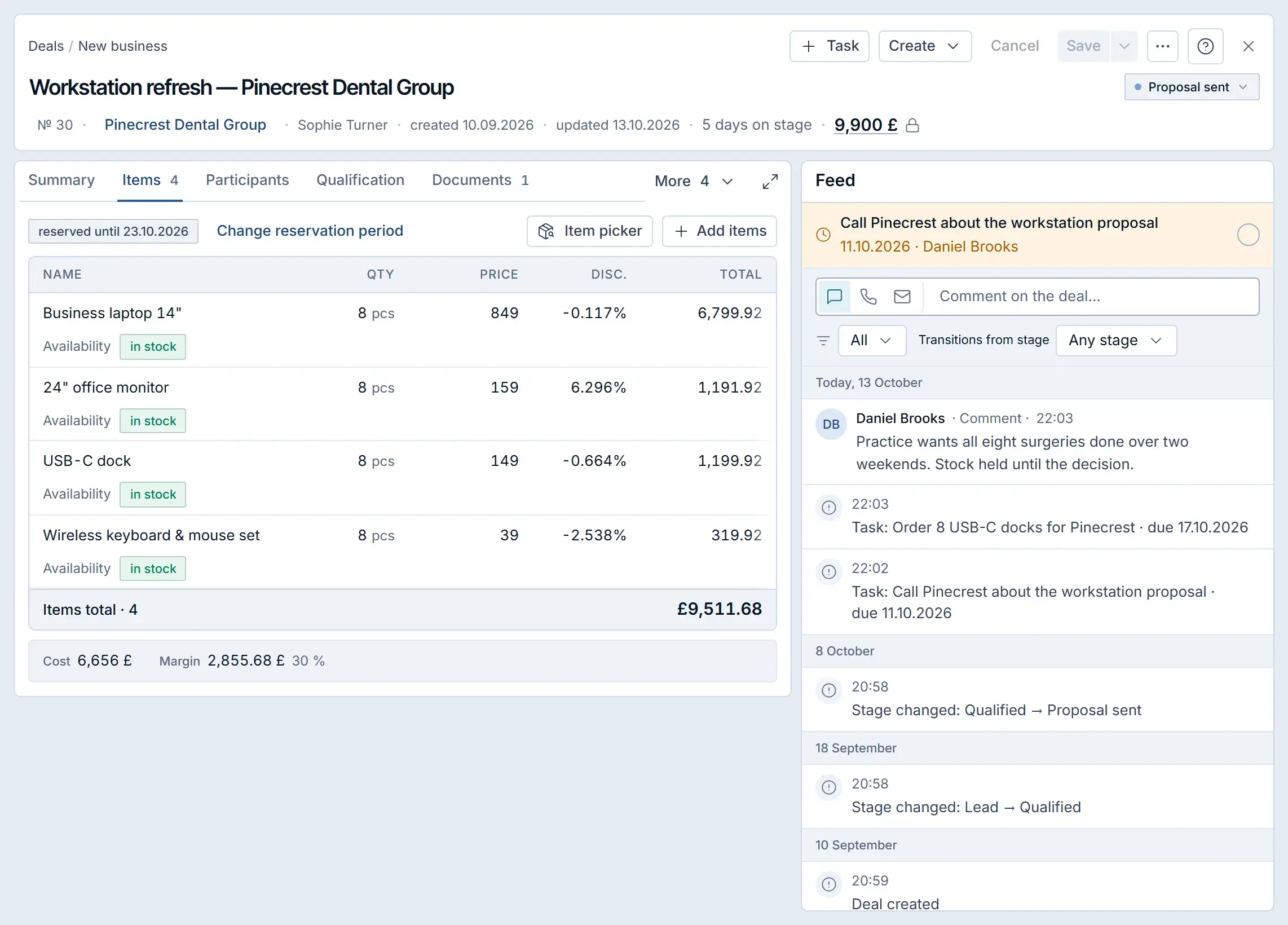
Press the button for new orders on the sales agent screen, and the deal register opens with the filter for new orders from the sales agent. Each order is a deal with the buyer’s items in the pipeline and the stage you chose, and it leaves the filter as soon as a person works on it.
At the last level the agent reminds a buyer once about an unfinished cart after the hours of silence you set. Read the result block on the settings screen to see how the agent performs.
Which level fits which stage of trust?#
Each level adds one ability and one risk, so move up only when the previous level behaves. The table below shows what each level adds and what to check before the next one.
| Level | What the agent may do | Check before moving up |
|---|---|---|
| Consultant | Answers about products, availability, analogues and related items | Answers match the catalog |
| Price | Names prices and totals from the price engine | Prices match your price lists and terms |
| Order | Collects a cart and places an order after the buyer agrees | Orders arrive as correct deals |
| Payment | Sends a payment link for a placed order | A payment provider is connected |
| Closing | Reminds about an unfinished cart once and offers a related item, as the screen describes it | Buyers do not complain about the reminder |
The rule: one level per review cycle. A week at each level gives the team enough conversations to judge the agent before it handles money.
Which mistakes spoil a sales agent?#
- Switching on every level at once. Errors then mix, so add one level at a time.
- Leaving the catalog incomplete. The agent answers from it, so fill in names, article numbers and availability first.
- Setting very high limits. A large order should reach a person, so keep the limits low at the start.
- Expecting the agent to bargain. It uses only your rules, so build discounts into price lists and discount rules.
- Forgetting the confirmation task. In the manager mode an order waits until a person confirms it, so watch the filter of new orders.
What should you check before launching a sales agent?#
A launch fits into seven checks, and the list can go into your launch plan. Orders that arrive from a web shop instead of a chat are covered in bringing WooCommerce or Shopify orders into the CRM. To follow the results of the orders it brings, use a weekly sales dashboard for a B2B team, and to connect your own AI assistant to the CRM instead, read how to connect Claude to your CRM with MCP.
- The company Telegram bot is connected in Communications.
- The catalog has names, article numbers, prices and availability.
- The agent starts at the consulting level.
- Prices are switched on after a week of good answers.
- Orders start in the manager mode with low limits.
- The filter of new orders from the sales agent is checked daily.
- Limits are raised after a month of correct orders.
How does the sales agent work in Krokul?#
The sales agent speaks to buyers on behalf of your company through its Telegram bot or business account. It sees the conversation and the catalog without purchase prices, and of your own product fields only those marked as visible to the buyer. Only an admin sees the settings screen. The agent is separate from Kro, the assistant that talks to your team, described on the page about Kro, the in-app assistant for your team.
The agent answers buyers on a plan that includes it, and the settings can be prepared in advance on the other plans. The screen shows a notice at the top when the agent cannot answer buyers yet.
Frequently asked questions#
Does the sales agent answer when a manager is already in the chat?
No. Once a person has answered the buyer, the agent stays silent in that conversation.
Can the agent give a discount?
Only the discount that your rules give: the price list, the client terms, the discount rules and a promo code the buyer wrote. The agent does not invent a discount of its own.
What happens when a buyer asks for a very large quantity?
An order above the largest quantity in a line or the largest order total is not placed, and the conversation goes to a person.
Where do I see the orders the agent placed?
In the deal register. The filter for new orders from the sales agent shows the deals that nobody has worked on yet.
Does the agent work outside Telegram?
No. The sales agent works in Telegram conversations of the company bot and, when you switch it on, the business account.