Short answer
A shared inbox for client conversations puts every chat from Telegram and the website in one list, where each conversation has an owner, a status and a next step. Reply from the list, keep team notes out of the client’s sight, and turn a chat into a deal, a ticket or a task without retyping.
- Channels: Telegram and website chat
- Each chat has: an owner and a status
- From a chat: deal, ticket, task
On this page
When do client chats need one shared list?#
Client chats become a problem when they live in personal accounts. A shared list gives the whole team the same view of every open conversation, which supports the pipeline routine described in how to build a sales pipeline that predicts revenue.
- A client writes to a manager’s personal Telegram, the manager goes on leave, and nobody else sees the chat.
- Two colleagues answer the same client and give different answers.
- A client asks for a person after a bot reply, and nobody notices for hours.
- A chat contains a purchase request, and the deal is created from memory a day later.
- A manager cannot say how many client messages wait for an answer.
- Conversation
- A conversation is the correspondence with one client in one channel, kept as a single thread with an owner and a status.
- Channel
- A channel is the place the client writes from, such as a Telegram bot or a chat widget on your website.
How do you run client conversations from one inbox in six steps?#
Running conversations from one inbox means connecting the channels once and then working the list by status. The steps below go from the first connection to the daily routine.
Connect the channels you use
Connect a channel before any conversation can appear. An admin connects the company’s Telegram bot in the inbox, and new messages from clients then arrive as conversations, which the Telegram sales agent can also answer. A chat widget on your website is part of the support agent setup: an admin lists the website domains, creates a key and pastes the embed code into the pages.
In the business mode of the company the inbox item is off until an admin switches it on in the menu settings, so check the menu first if you cannot find it.
Decide what a new message creates
Set what a first message from an unknown person produces. For Telegram, a first message creates a contact and a conversation. A deal is created from the first message only when an admin switches on that option in the Telegram flow settings, where the pipeline and the source for new inquiries are also chosen; otherwise the conversation stays a conversation and a manager creates the deal from the chat.
Letters from a connected Gmail do not arrive in the inbox. They appear in the timeline of the contact and the deal, next to the conversation.
Work the list by status
Open the inbox and pick a status tab: all, mine, nobody’s, waiting for a reply, asking for a person, closed, snoozed or spam. The tab of conversations that wait for a reply shows how long each one has been waiting, which makes the oldest message the first one to answer.
The unread counter belongs to the conversation itself. When one colleague opens a chat, it is read for everyone, so agree who opens which chats.
Give every conversation an owner and a next step
Assign a responsible person to each conversation. Conversations with no owner collect in their own tab, and a manager can review that tab once an hour.
When a client needs an answer later, snooze the conversation until an hour from now, tomorrow at 9:00, next week or a chosen date, and it returns to the list when the time comes. Pin the conversations that must stay in front of you.
Reply from the list and keep team notes inside
Type the answer in the field under the thread. The line under the field tells you where the reply will go, for example from the company bot, and the message appears once the channel confirms delivery.
Use a team note for anything the client must not see: a price check, a question for a colleague, a reminder. The note stays in the thread, marked as visible to the team only. When the wording is hard, ask Kro for a draft and edit it, because the client gets the text only after you press send.
Turn the chat into work
Create the deal from the conversation when the client wants to buy, so the contact of the chat is already filled in. Register a ticket when the client reports a problem (the support tickets with SLA guide covers the deadlines), and set a task for a colleague with a link to the conversation, so the person opens the thread in one click.
Attach an invoice or a quote as a PDF from the paperclip under the reply field, using the same form that is printed. Close the conversation when the matter is done, and it returns to the list if the client writes again.
Tip. Agree a rule for the whole team: a conversation without an owner is nobody’s, and the first person who sees it takes it.
How does a team measure its response to client chats?#
A shared list makes response time measurable, because waiting time is shown for each conversation. The table below shows a one-week check for a team of three account managers.
| Measure | How to read it | Example value |
|---|---|---|
| Conversations opened | New chats during the week | 60 |
| Answered within one hour | Chats whose first reply came within 60 minutes | 48 |
| Share answered within one hour | Answered within one hour ÷ opened | 80% |
| Chats turned into deals | Conversations that produced a deal | 9 |
| Chats turned into tickets or tasks | Conversations that produced a ticket or a task | 14 |
Share answered within one hour = 48 ÷ 60 = 80%. Set a target for the share, review the chats that missed it each Friday, and move the owners of the slowest chats to a lighter queue.
Which mistakes break a shared inbox?#
- Leaving conversations without an owner. Every unowned chat is slower, so assign an owner in the first minute.
- Answering from a personal account. The thread stays invisible to colleagues, so connect the company bot and answer from the list.
- Writing internal remarks in the reply field. The client reads them, so use a team note.
- Never closing conversations. A list that only grows hides the live ones, so close each matter when it is done.
- Creating the deal later from memory. Details get lost, so create the deal from the conversation itself.
What should you check in a shared client inbox?#
The inbox routine fits into seven checks, and the list can go into your team handbook. The daily task routine that goes with it is in tasks and calendar for sales reps. Calls to the same client appear next to the chats, as phone calls in the CRM with UniTalk shows.
- Every channel the company uses is connected to the inbox.
- A new Telegram message creates a contact and a conversation, and a deal is created from the chat when the client is ready to buy.
- Every conversation has an owner within the first minutes.
- Replies go out from the company bot or account only.
- Internal remarks are written as team notes.
- Every closed matter has the conversation closed.
- The tab of conversations waiting for a reply is empty when the workday closes.
How does Communications work in Krokul?#
Krokul calls the shared inbox Communications. Each row shows the contact or the topic, the client company, the last message, the time and the unread count. Reading is open to every role, and replying, pinning and creating a deal are for admins, managers and agents. An agent sees their own conversations, their team’s and the ones with no owner.
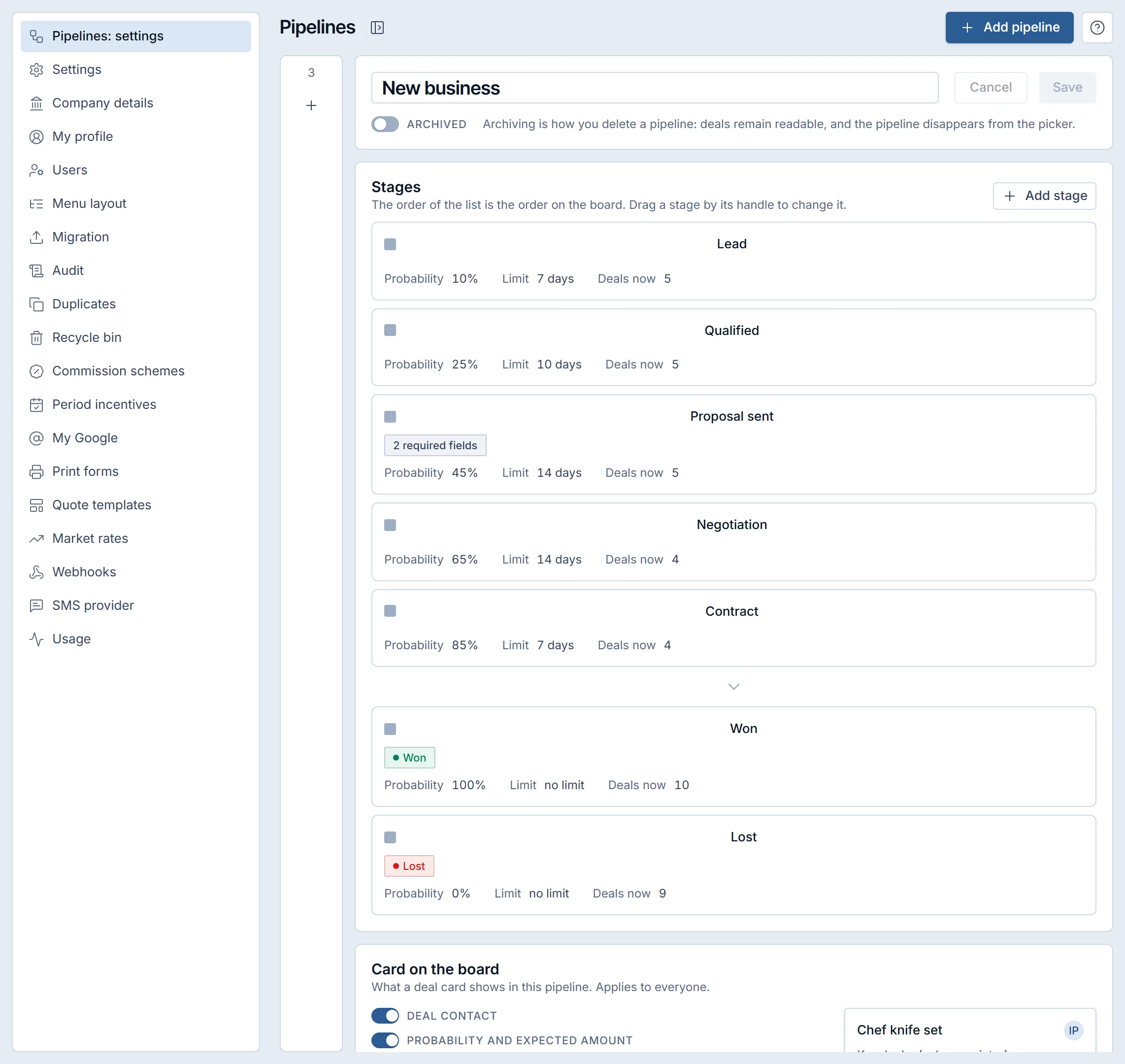
To see how the pipeline stages behind a new deal are set, read how to set exit criteria for pipeline stages. The shared inbox in the deal card page shows how conversations sit next to Gmail, tasks and the calendar in the deal card.
Frequently asked questions#
Can a shared inbox show email as well as chats?
In Krokul, letters from a connected Gmail appear in the timeline of the contact and the deal, and chats from Telegram and the website appear in the inbox list. Both stay on the same client.
Who can reply to a client chat?
Admins, managers and agents can reply, pin chats and create deals. Observers read the conversation without a reply field, and an agent sees their own conversations, their team’s and unowned ones.
What happens when a client asks for a person?
The conversation gets the asking-for-a-person mark and a notification, and it appears in its own tab, so the team can take it and answer.
Does a client see the team notes?
No. A team note is marked as visible to the team only, and the thread shows it separately from the replies the client receives.
Who connects Telegram and the website chat?
An admin connects the channels. The Telegram bot is connected in the inbox, and the website widget is set up with the support agent, using the list of site domains and the embed code.