Short answer
To erase a client’s personal data from a CRM, verify who is asking, find the contact record, review the deals, tasks and documents linked to it, run the permanent erase as an administrator and write to the client. Archiving only hides the record and can be undone, and plain deletion is a different action.
- Who can erase: an administrator
- Before erasing: review linked records
- After erasing: reply to the client
On this page
When you need to erase a client’s data permanently#
Erasing a contact removes a person on that person’s request, and Krokul cannot bring the person back. This differs from the clean-up in the guide to switching CRM.
- A client writes by email that you must delete their data.
- A contact asks to be removed after a sales campaign.
What is the difference between delete, restore and erase?#
Archiving hides a contact and can be undone. Plain deletion removes a contact that has no linked records and cannot be restored, and a contact with linked records is refused with advice to archive. The recycle bin holds only older deletions, and a restore from the recycle bin can return those.
- Permanent erase
- Permanent erase is the removal of a contact and its own history, with its phones and emails remembered only as fingerprints so that the person is not created again.
How to erase a client’s personal data in five steps#
Verify the person and the request
Check that the request comes from the person the record is about, for example by replying to the email address stored in the contact. Note the date it arrived.
Find every record of the person
Search by the phone or email the person wrote from, and look for a second record of the same person, as in the guide to merging duplicate clients.
Review what is linked to the contact
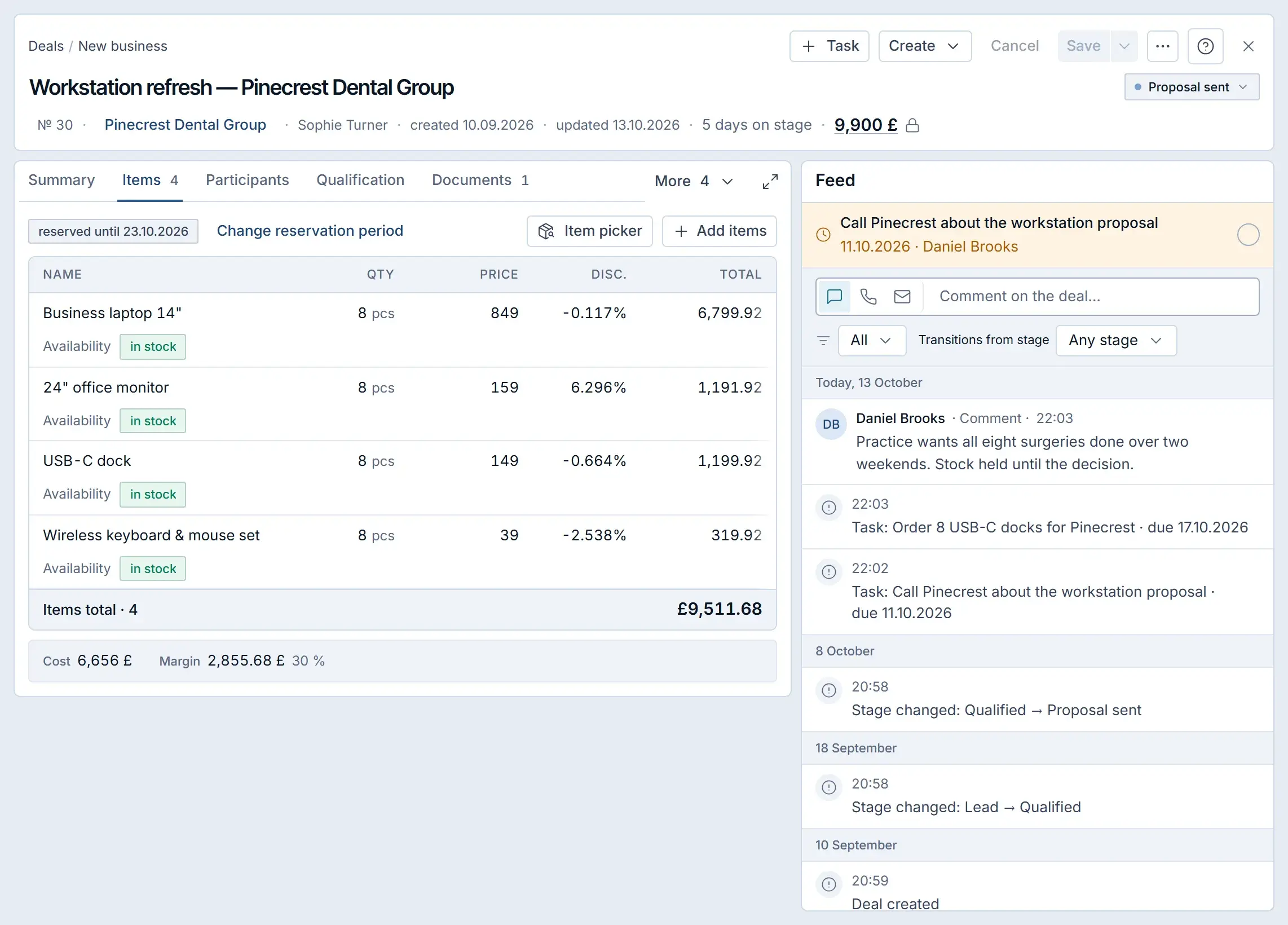
Open the linked deals, tasks and documents. They stay in the system without the person, so a deal title or comment that holds the name as text has to be edited by you.
If your company must keep invoices or contracts, export the records you must keep first.
Erase the contact permanently
Run the permanent erase as an administrator and confirm. Repeat it for every other record of the same person.
If the system refuses, it states the reason in a full sentence.
Tip. Do not use plain delete for a request like this: it can leave the name in the change log.
Record the work and answer the client
Reply to the person with the date of the erase. Keep your own note of the request, the date and who erased, outside the erased record, and compare it with the audit log.
What does a permanent erase remove and what stays?#
A permanent erase removes the person and the person’s own records, and leaves the business records that other people use. It does not reach backups or correspondence that your company keeps in its mailbox outside Krokul.
| Part | Result |
|---|---|
| Contact record, timeline, conversations, files, tags | Removed from the workspace |
| Phones, emails and messenger ids | Remembered only as one-way fingerprints, so an import or an inbound form cannot create the person again |
| Deals, tasks, documents | Stay, with the link to the person cleared |
| Free text with the name, such as a deal title or a deal feed entry | Stays until you edit it |
What goes wrong when you erase a client’s data?#
- Archiving or deleting instead of erasing. An archived record can be restored, and a plain delete leaves the name in the change log, so the request is unmet.
- Erasing one copy only. A duplicate keeps the phone and email, so search again afterwards.
- Forgetting free text and your own exports. Search deals and notes for the name and delete your spreadsheets.
Checklist for a client’s erase request#
- Request received on a date, from the verified person.
- Administrator named, linked records reviewed, records to keep exported.
- All records of the person found, including duplicates.
- Permanent erase done and checked by searching again.
- Reply sent and your own note written.
How to erase a contact in Krokul#
Krokul CRM is a B2B CRM for contract-based companies: deals, projects and profit per client in one system, implemented by integration partners. Krokul has a permanent erase for contacts, and it is available to an administrator only. A manager receives a refusal, and an API key cannot call it.
In the recycle bin, the actions menu of a contact row has an item for erasing permanently, and a confirmation dialog names the contact and warns that the data cannot be restored. New contacts are archived or deleted outright and do not go to the bin, so for a live or archived contact an administrator runs the same erase through the function itself. Krokul unlinks the person from deals and tasks, erases the log of automated messages sent to the person’s address and keeps the channels as fingerprints. It writes no “deleted” line with the name into the change log. See what can leave Krokul and the import check and rollback for contacts that came in by import.
Frequently asked questions#
Is deleting a contact the same as erasing it?
No. Archiving keeps the record so that it can come back, plain deletion removes only a contact with no linked records, and a permanent erase also keeps the phone and email from returning.
Who can erase a contact permanently?
Only an administrator. A manager is refused.
Can an erased contact be restored?
No. The record and its own history are removed, and only a fingerprint of the phones and emails is kept.
Does the CRM prove that a request was legally fulfilled?
No. The erase helps you act on a request, and the legal judgement and the reply stay with your company.